
Facebook revealed it's new global cryptocurrency and programming environment called Libra. Libra will let you buy things or send money to people with nearly zero fees. Most of it is early days hype since it’s too early to tell how good it is.
Facebook also gave us some code to play with, so let’s give it a try. We will dive into the technical parts. If you’d like to skip the programming, check out of the above TechCrunch article instead.
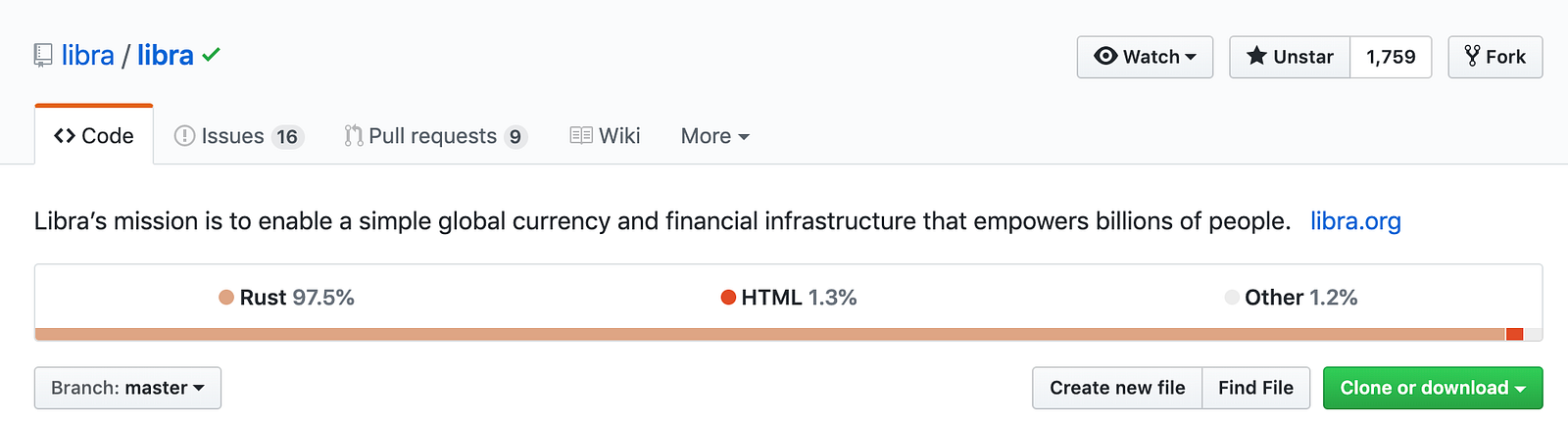
Libra’s mission is to enable a simple global currency and financial infrastructure that empowers billions of people.
Libra is the currency, and Move is the programming language for Libra. Move language is written in Rust language.
Why Rust? I can only guess, Rust has proven to be an extremely well-designed, robust, fast, secure, and fun language to work with.
“Move” is a new programming language for implementing custom transaction logic and “smart contracts” on the Libra Blockchain. Because of Libra’s goal is to serve billions of people Per day, Move is designed with safety and security as the highest priorities.
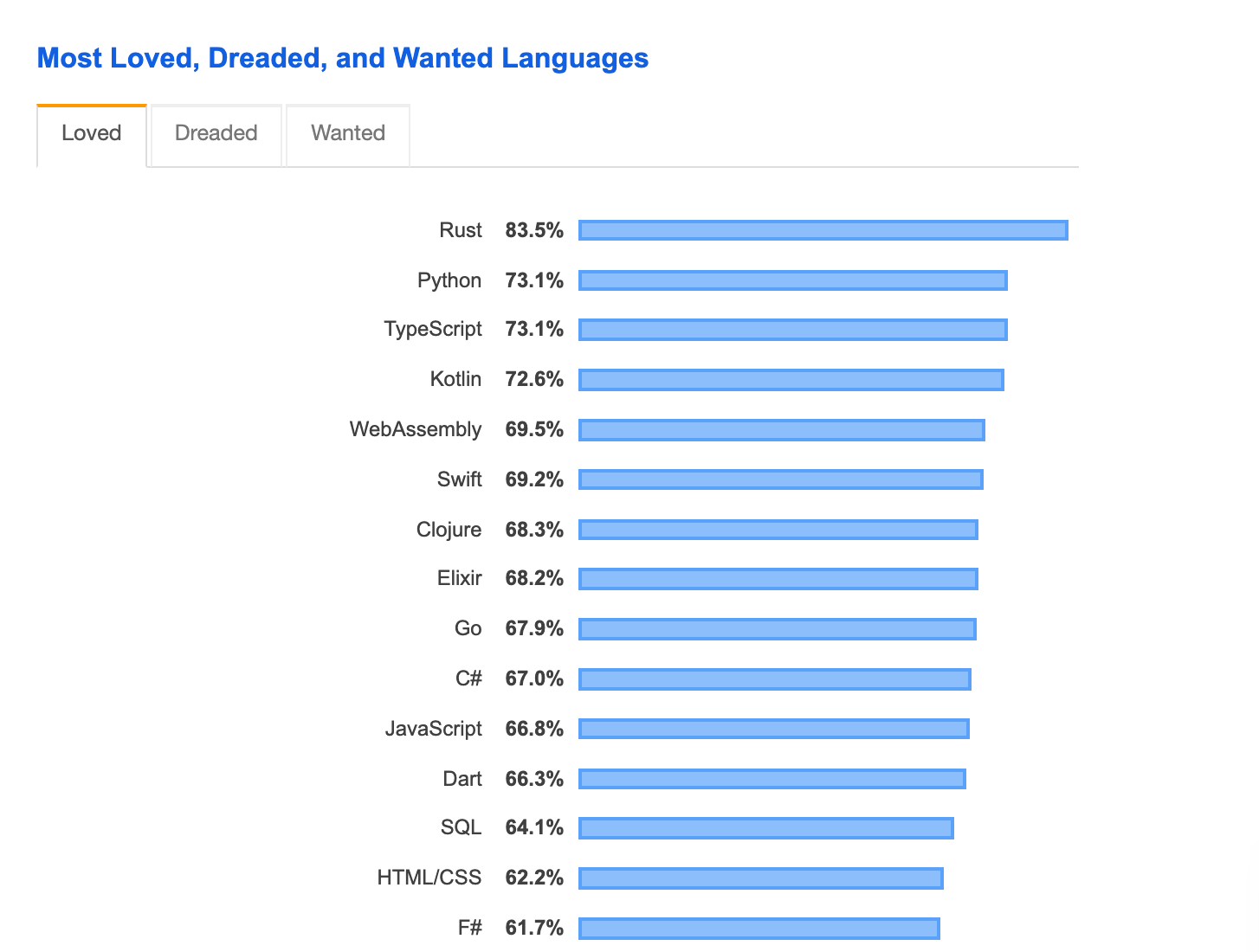
Rust absolutely crushed the 2019 StackOverflow survey by being them most loved programming language to work with. I expect to hear about Rust more often in the coming years.
Luckily, we don’t have to know Rust to get started with Libra. Here’s what we need to begin programming with the Libra language.
Assumptions
All commands in this document assume that:
- You are running on a Linux (Red Hat or Debian-based) or macOS system.
- You have a stable connection to the internet.
gitis installed on your system.- Homebrew is installed on a macOS system.
yumorapt-getis installed on a Linux system.
Clone the Libra Core Repository
git clone https://github.com/libra/libra.gitSetup Libra Core
To setup Libra Core, change to the
libra directory and run the setup script to install the dependencies, as shown below:cd libra
./scripts/dev_setup.sh
The setup script performs these actions:
- Installs
rustup— it is an installer for the Rust programming language, which Libra Core is implemented in. - Installs the required versions of the
rust-toolchain. - Installs
CMake— to manage the build process. - Installs
protoc— a compiler for protocol buffers. - Installs Go — for building protocol buffers.
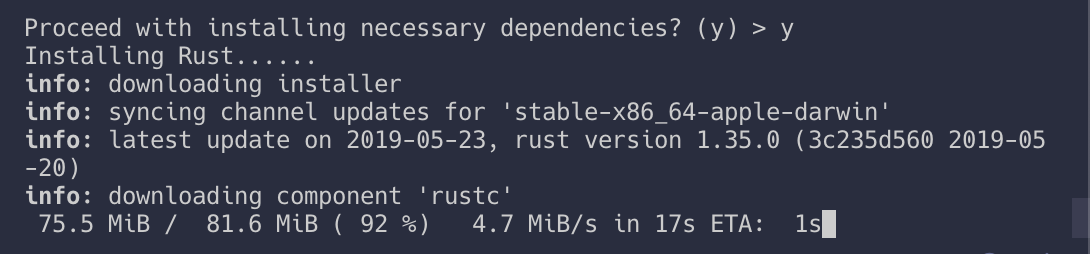
If your setup fails, see Troubleshooting
Build Libra CLI Client and Connect to the Testnet
To connect to a validator node running on the Libra testnet, run the client as shown below.
./scripts/cli/start_cli_testnet.sh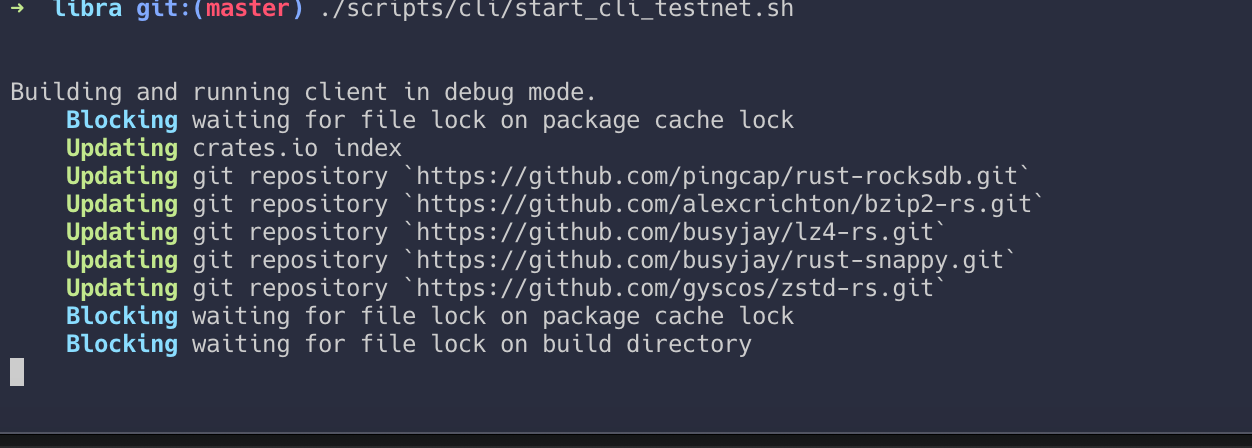
Once the client connects to a node on the testnet, you will see the following output. To quit the client at any time, use the
quit command.Check If the CLI Client Is Running on Your System
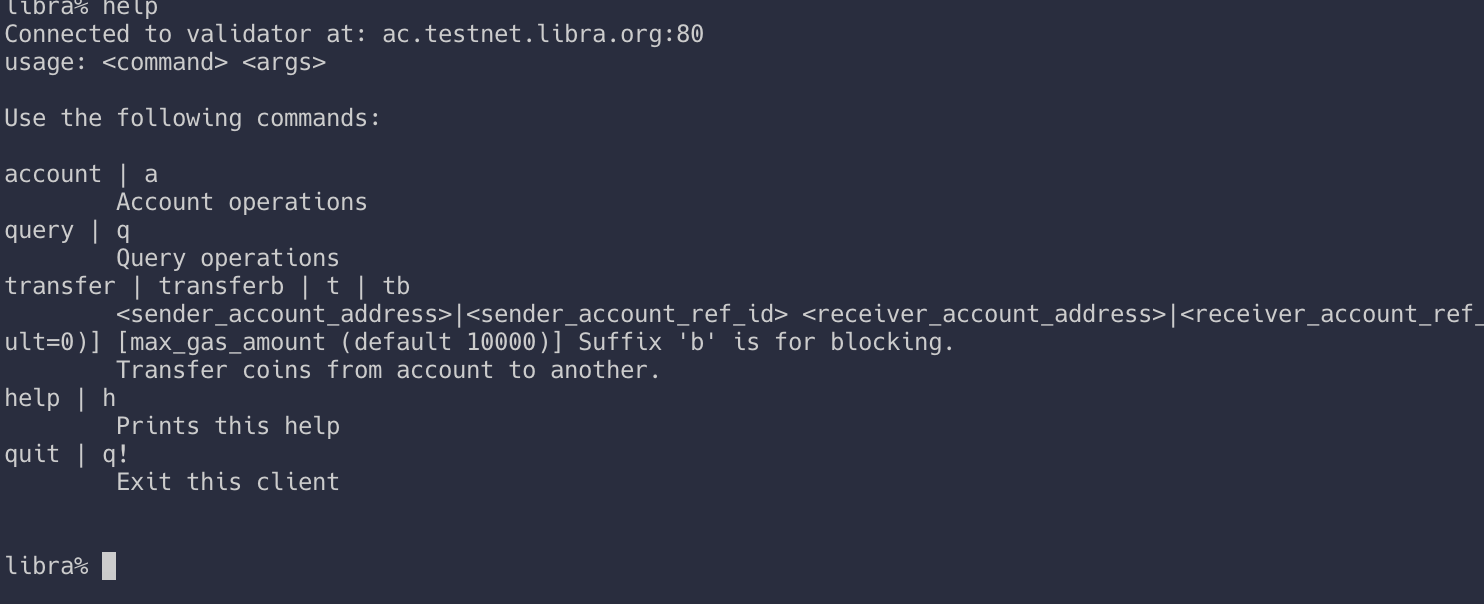
If you see “connected to the validator” you’re all set. If not, please troubleshoot, see troubleshooting
Create Your Wallet Account
Note that creating an account using the CLI does not update the blockchain, it just creates a local key-pair.
To create Alice’s account, enter this command:
libra% account create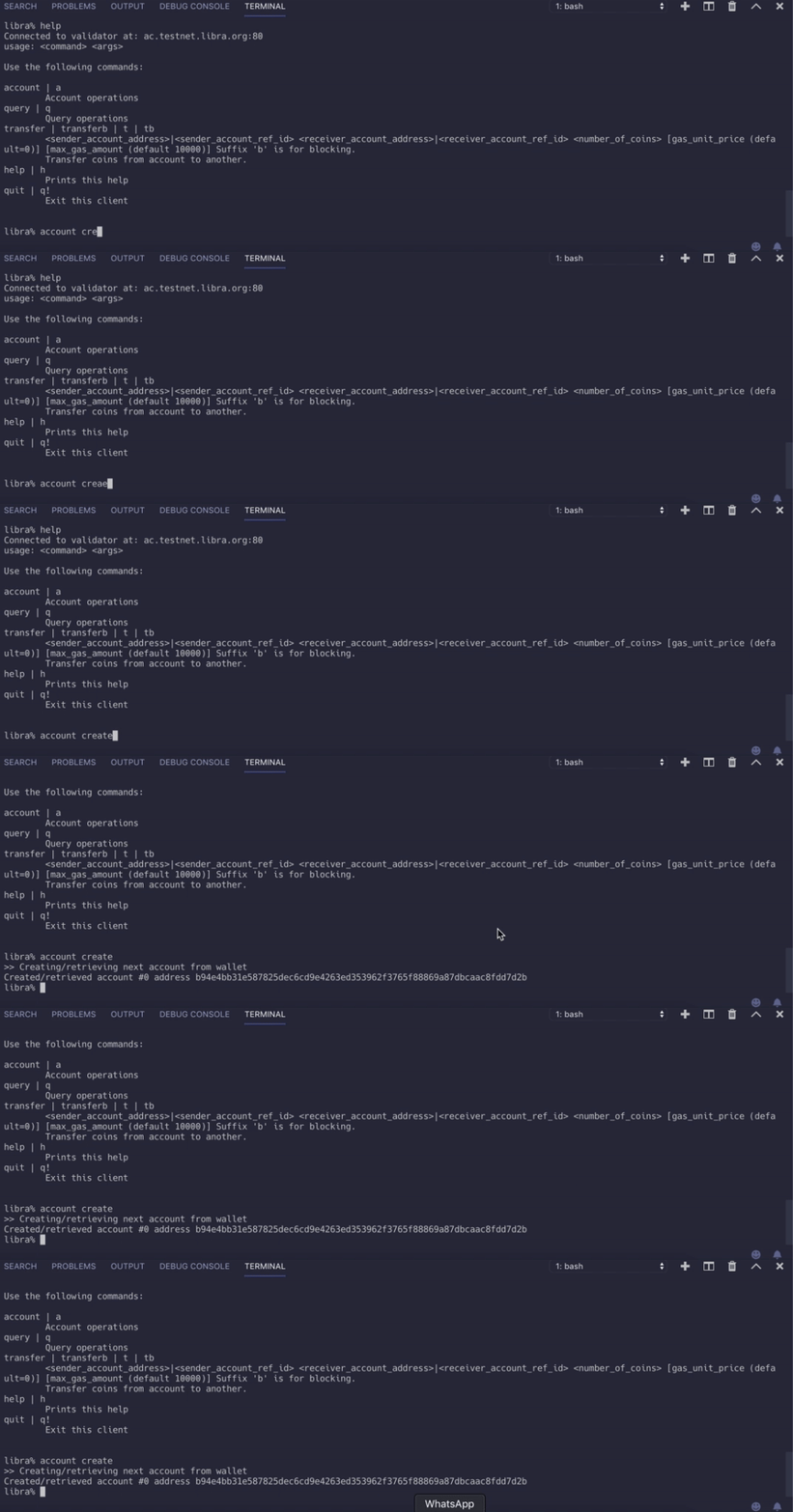
If everything went fine, we should get a public address.

#0 is the index of our account, and the hex string is the address of our account.Transactions
For transactions, we need another wallet to send to. So create one again.
You don’t have to remember all this, use the
account list command.
Adding coins to our wallet
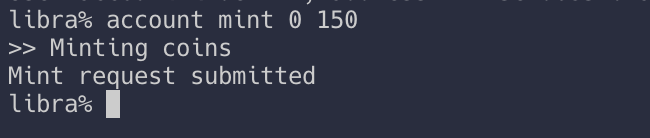
- 0 is the index of the wallet account.
- 150 is the amount of Libra to be added to our wallet.
A successful account mint command will also create the wallet #0 account on the blockchain.
Checking the balance

We query the balance of the wallet, remember the
0 is the index of our wallet.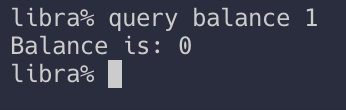
Transfer Money
To submit a transaction to transfer 10 Libra from #0 account to #1 account, enter this command:
libra% transfer 0 1 10- 0 is the index of #0 account.
- 1 is the index of #1 account.

Checking the balance.
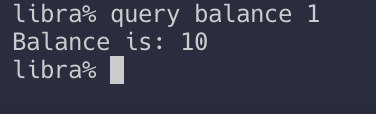
Congratulations!
You did it! We barely scratched the surface, next you should probably learn the Move language. Start here
The Libra Ecosystem
The Libra ecosystem consists of different types of entities:
Clients
A Libra client:
- Is a piece of software that has the capability to interact with the Libra Blockchain.
- Can be run by the end-user or on behalf of the end user (for example, for a custodial client).
- Allows the user to construct, sign, and submit transactions to a validator node.
- Can issue queries to the Libra Blockchain (through the validator node), request the status of a transaction or account, and verify the response.
Validator Nodes
Validator nodes are entities in the Libra ecosystem that collectively decide which transactions will be added to the Libra Blockchain. The validators use a consensus protocol so that they can tolerate the presence of malicious validators.
A validator node maintains the history of all the transactions on the blockchain. Internally, a validator node needs to keep the current state to execute transactions and to calculate the next state. We will learn more about the components of a validator node in Life of a Transaction.
Developers
The Libra ecosystem supports a wide variety of developers, ranging from people who contribute to Libra Core to those who build applications that use the blockchain. The term “developer” encompasses all of these groups. Developers might:
- Build Libra clients.
- Build applications to interact with a Libra client.
- Write smart contracts to execute on the blockchain.
- Contribute to the Libra Blockchain software.
SOURCE
0 Comments
Post a Comment